Add your first room type in SimpleStay
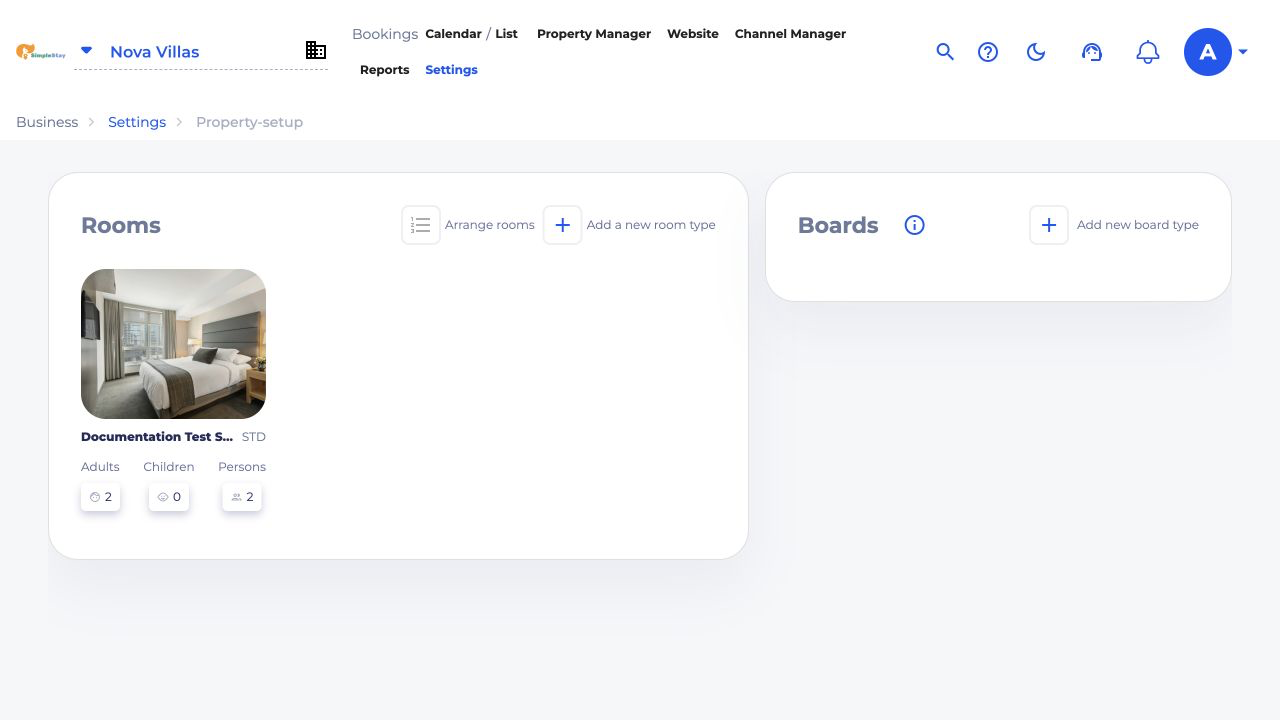
Create your first bookable room, apartment, villa, or unit with exact dashboard screenshots.
SimpleStay Guides
Step-by-step walkthroughs with real SimpleStay dashboard screenshots, written for owners and teams who want to set up rooms, rates, websites, and booking workflows without technical guesswork.
Available now
Create your first bookable room, apartment, villa, or unit with exact dashboard screenshots.
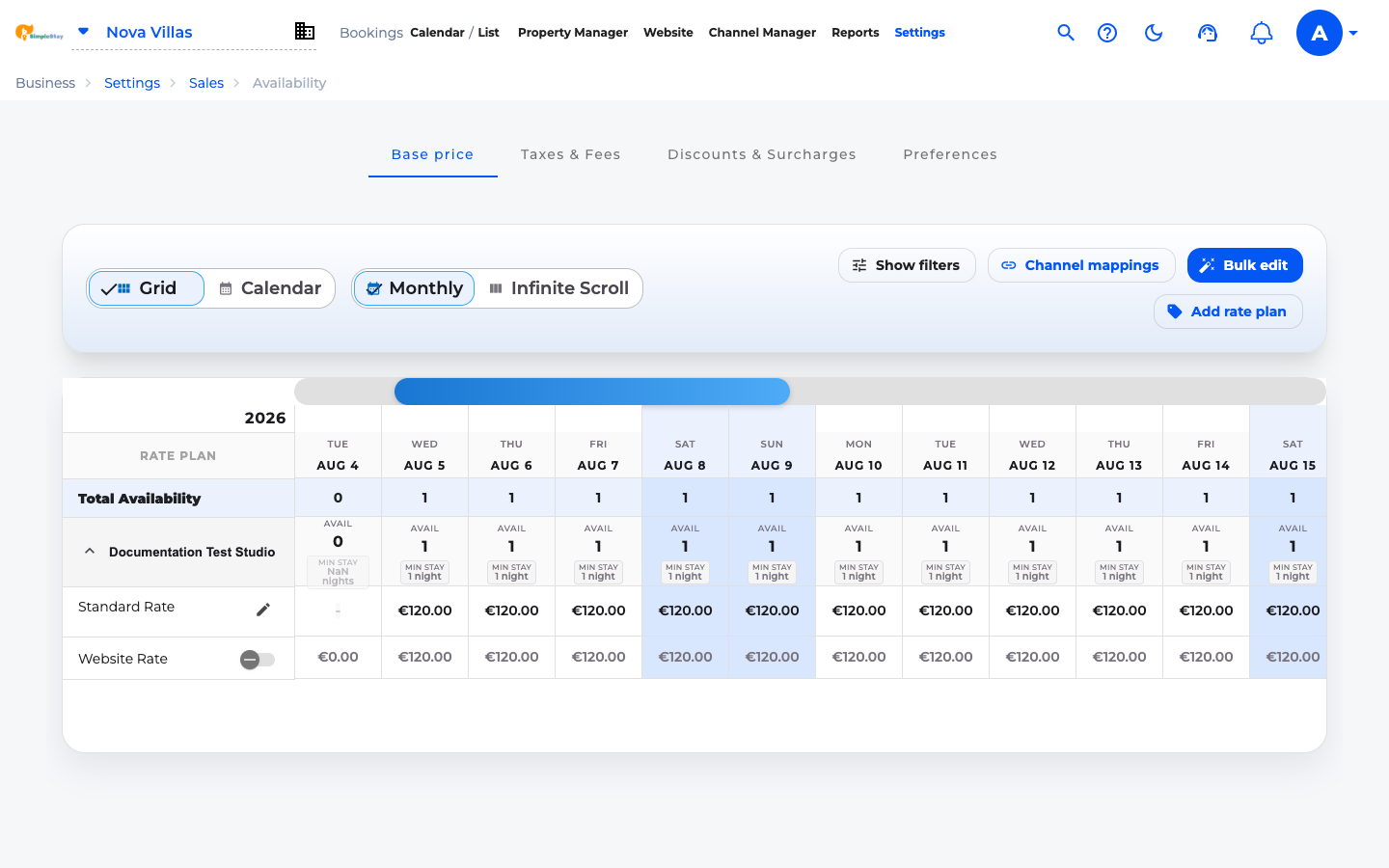
Apply the first nightly price across a date range so your room can become bookable online.
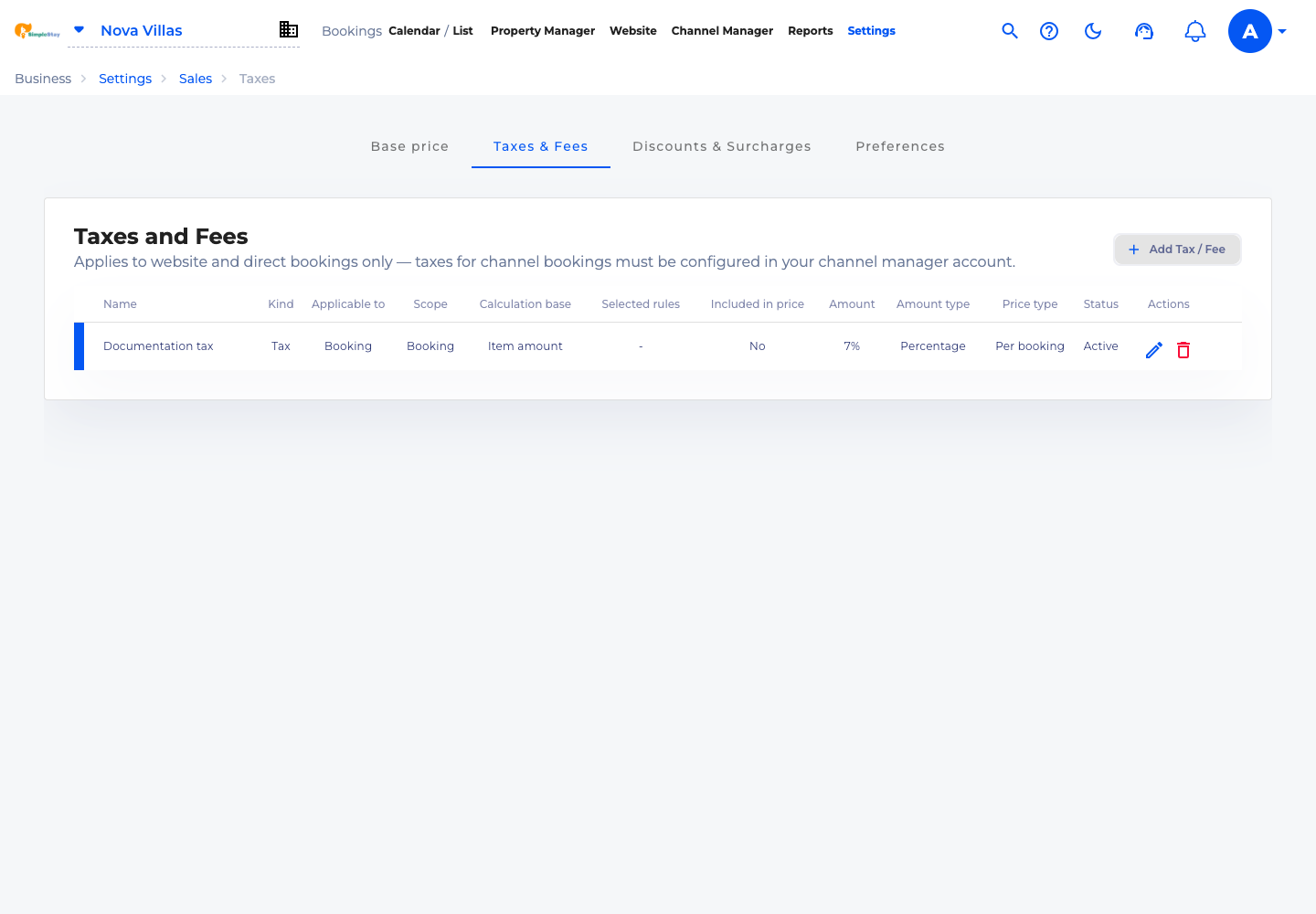
Add a direct-booking tax or fee, choose its calculation rules, and confirm it is active.
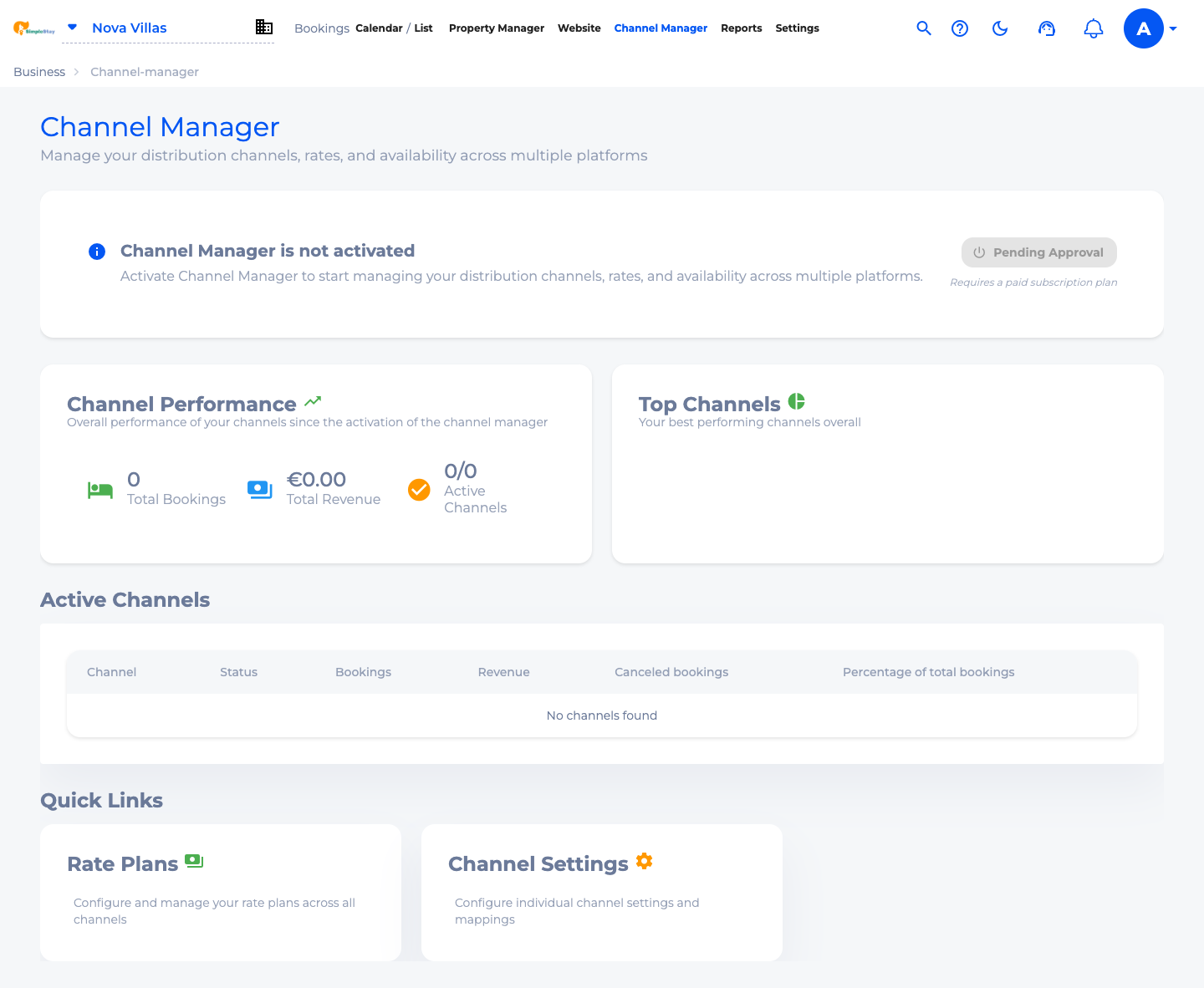
Review channel readiness, request activation, and understand the channel manager dashboard before connecting OTAs.
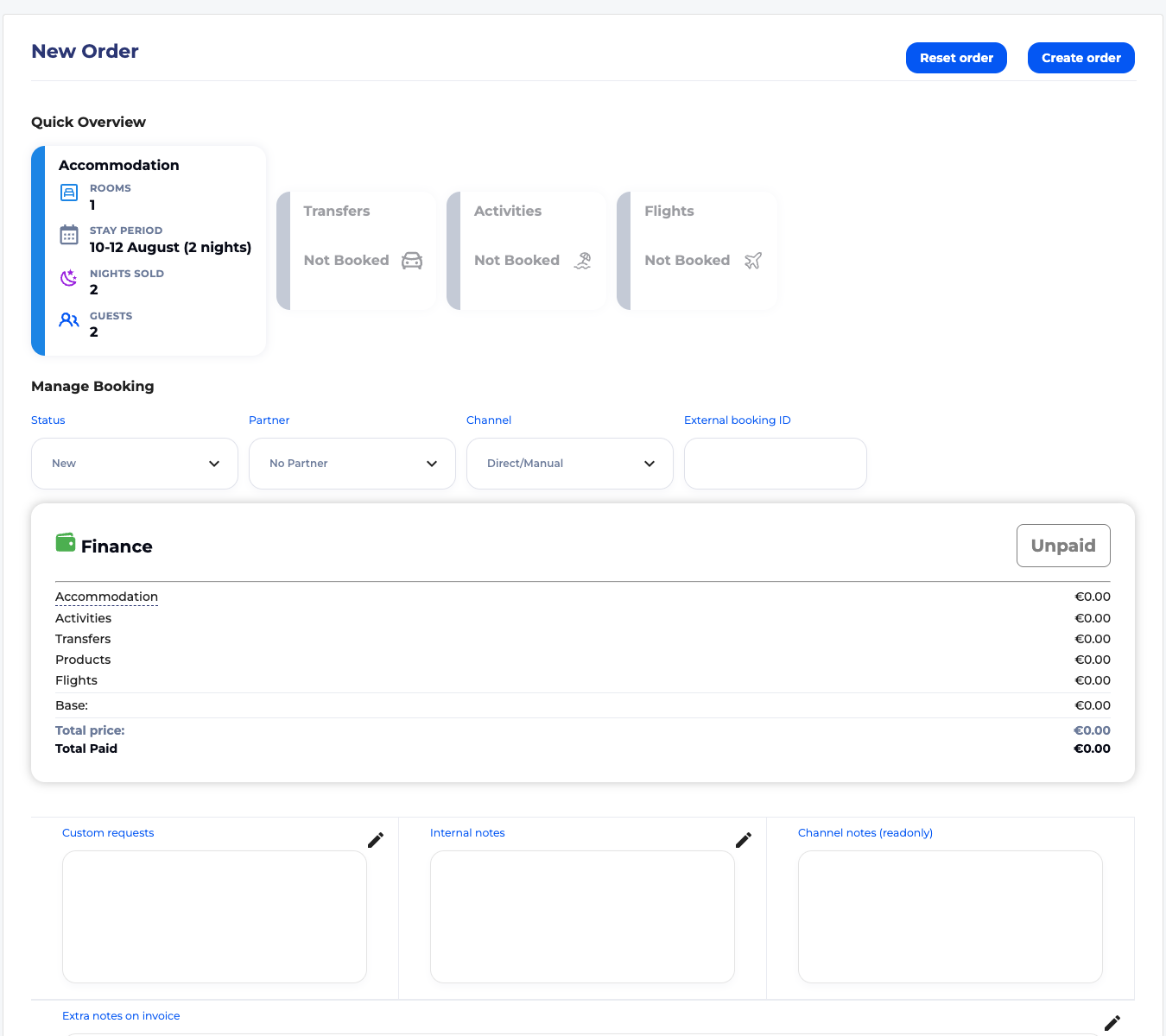
Build a manual reservation with room dates, guests, payment records, notes, taxes, fees, and price modifiers.
Coming next
Make your room descriptions, photos, and policies guest-ready.
Prepare guest emails before reservations start arriving.
Keep guest totals and payment records easy to audit.